
Ingredient inventory
Control the stock of ingredients and deduct only when sold.
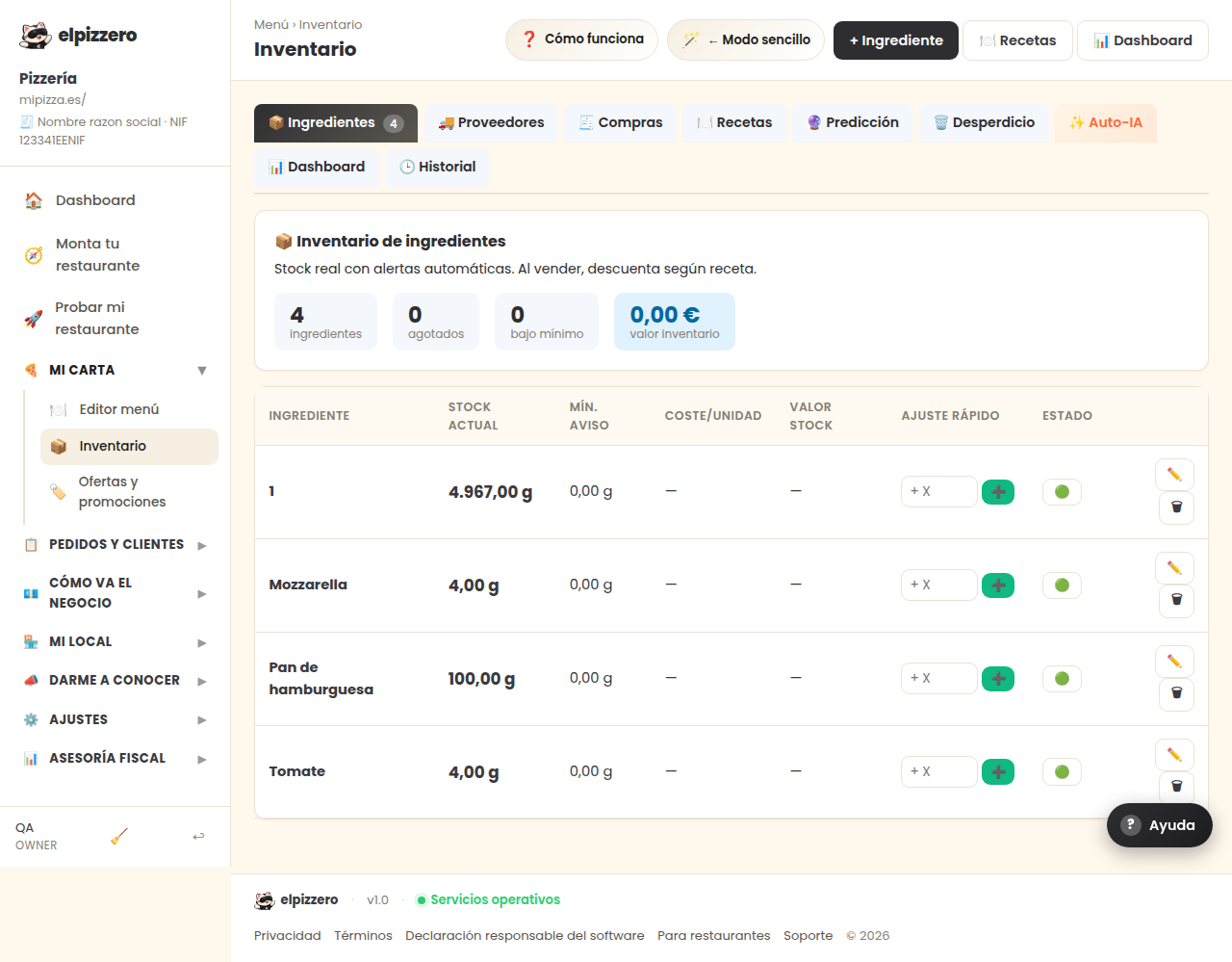
What it's for
Keep track of what you have: flour, cheese, boxes… When you sell a dish, it automatically deducts what that dish contains according to its recipe, and it alerts you when something is running low.
Before you start, let it be clear
This is not necessary for selling. It's a cost control tool: if you just started, leave it for later and focus on the menu and orders.
How it works
- Register each ingredient with its unit and current stock.
- Tell each dish what it contains and how much (its recipe).
- From there, each sale deducts automatically.
The ➕ button on each line is used to add what comes in when you receive an order from the supplier.
The inventory is only reliable if the recipes are correctly set. A dish without a recipe does not deduct anything and causes the numbers to stop matching without warning.
View all buttons and fields on this screen
What it asks you, field by field
| Field | Type | Detail |
|---|---|---|
| + X | number | repeats 4 times on the screen |
What each button does
| Button | What it's for |
|---|---|
| ➕ | Quick restock |
| 🟢 | |
| ✏️ |