
Try your restaurant
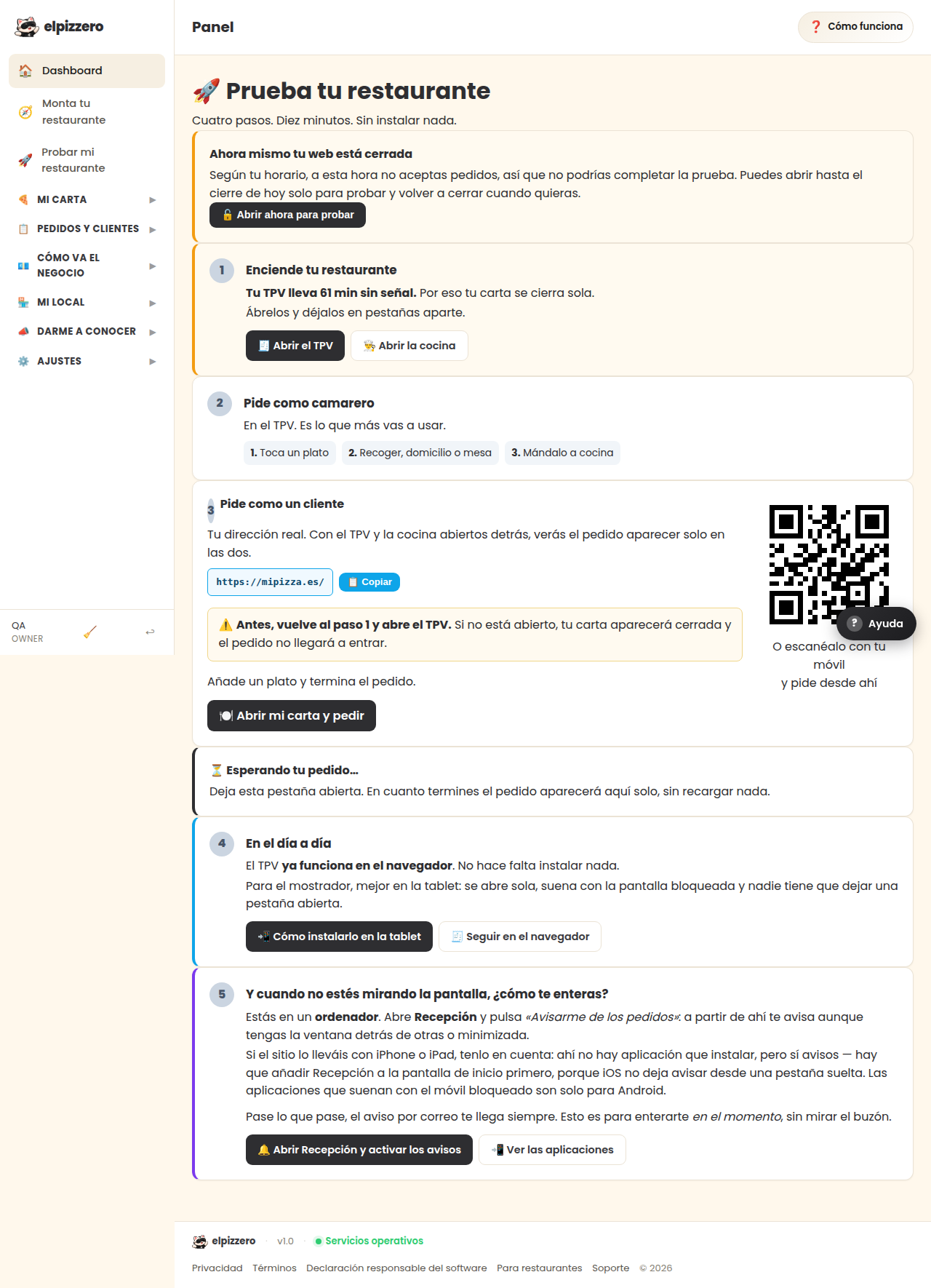
Place an order yourself, like a customer, and check that it arrives. Without installing anything and without charging anything.
What it's for
It's the only way to know that everything works before a real order comes in. You order from your own menu, as if you were any customer.
How to do it
- Press «🍽️ Open my menu and order».
- Place a normal order, with whatever you want.
- Return to this screen: it will let you know if the order has arrived.
What you need to check
- That the notification sounds where you expect it (the reception app, email…).
- That the ticket prints, if you have a connected printer.
- That the order appears on the kitchen screen, if you use it.
It doesn't charge anything or count as a sale in your reports. You can repeat it as many times as you want.
See all the buttons and fields on this screen
What you'll find on this screen
- 🚀 Try your restaurant
- Your menu is already online
- ⏳ Waiting for your order…
What each button does
| Button | What it's for |
|---|---|
| 📋 Copy | |
| 🍽️ Open my menu and order |