
How to create a free digital menu with a QR code
Step 1: create your menu
Sign up (you can start for free) and upload your categories and products with their photo, price, allergens and, if you like, sizes and extras. No technical knowledge needed.
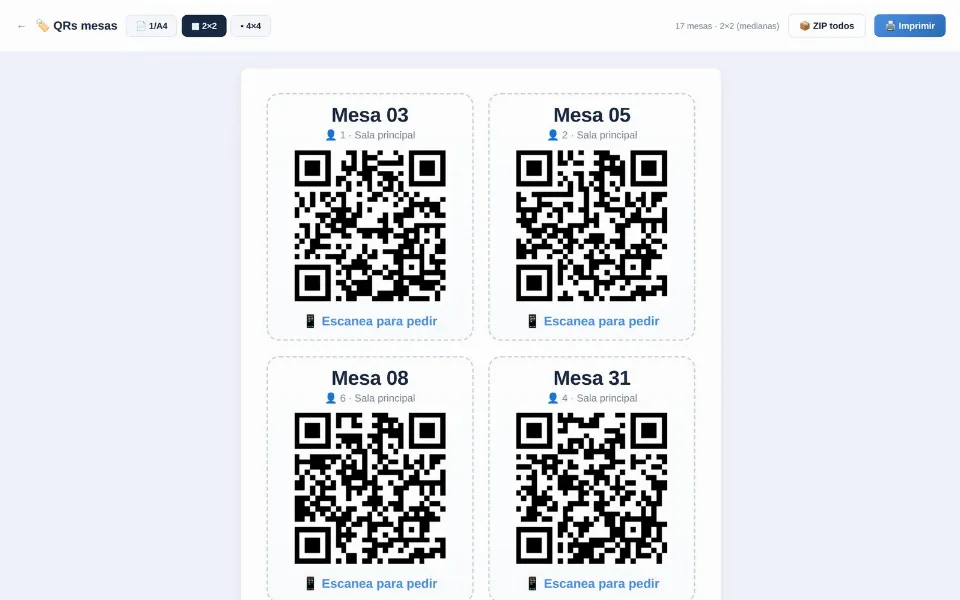
Step 2: generate the QR code
The platform automatically generates the QR code for your menu. Download it and print it to put on tables, in the shop window, on receipts or on flyers.
Step 3: offer it in several languages
A good digital menu displays automatically in the customer's language, which is key in tourist areas. With elpizzero you don't have to maintain several menus: the system translates it for you.
Step 4 (optional): take orders from the menu
If you want to go a step further, you can enable online ordering and payment right from the menu (delivery, pickup or at the table), with secure payment through Stripe and no commission per order. The menu goes from informing to selling.
Advantages over a paper menu
- You edit it instantly: change prices or mark a dish as sold out in seconds, with no reprinting.
- Photos that make people want to order and always up-to-date allergens.
- It is free to start and more hygienic than a shared menu.
QR digital menu for restaurants
elpizzero gives it to you, free and with no commission per order. Your customers are yours.
See QR digital menu for restaurants →