
Blog Categories
Organize your items by themes.
What it's for
Organize your items by themes.
It's optional. None of this section is necessary to sell: your menu works just fine without it. Before diving in here, make sure you have the menu with photos, the schedule set correctly, and the delivery configured — that brings much more than any campaign.
View all buttons and fields on this screen
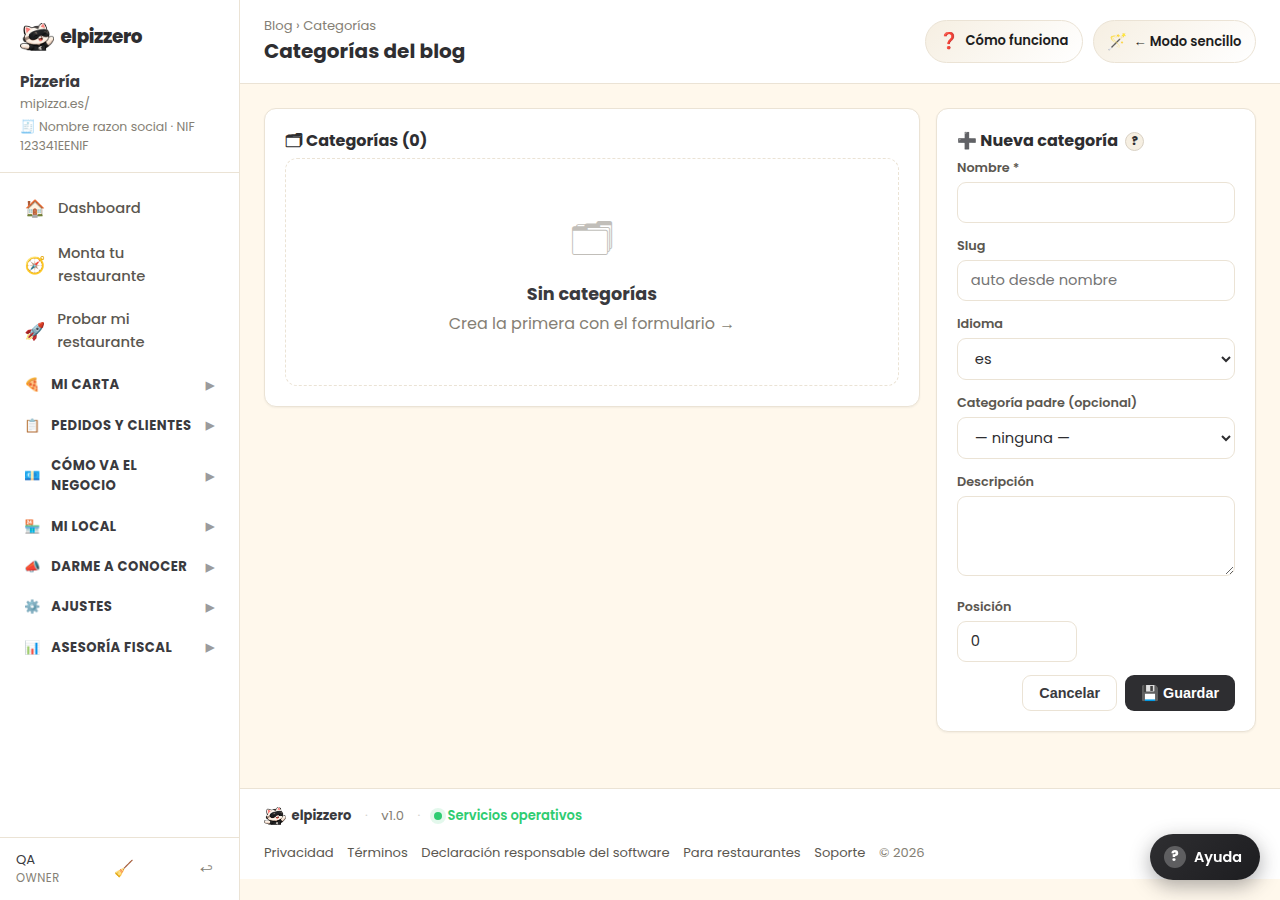
What you'll find on this screen
- 🗂 Categories (0)
- No categories
- ➕ New category?
What it asks you, field by field
| Field | Type | Detail |
|---|---|---|
| name | text | |
| auto from name | text | |
| locale | dropdown | Options: es, en, ca, fr, de, it, pt |
| parent id | dropdown | Options: — none — |
| description | long text | |
| position | number |
What each button does
| Button | What it's for |
|---|---|
| ? | |
| 💾 Save |