
Google Business
Connect your Google listing, the one that appears when searching for you on the map.
What it's for
Connect your Google listing, the one that appears when someone searches for you on the map.
It's optional. None of this section is necessary to sell: your menu works the same without it. Before diving in here, make sure you have the menu with photos, the hours set correctly, and the delivery configured — that brings much more than any campaign.
View all buttons and fields on this screen
What you'll find on this screen
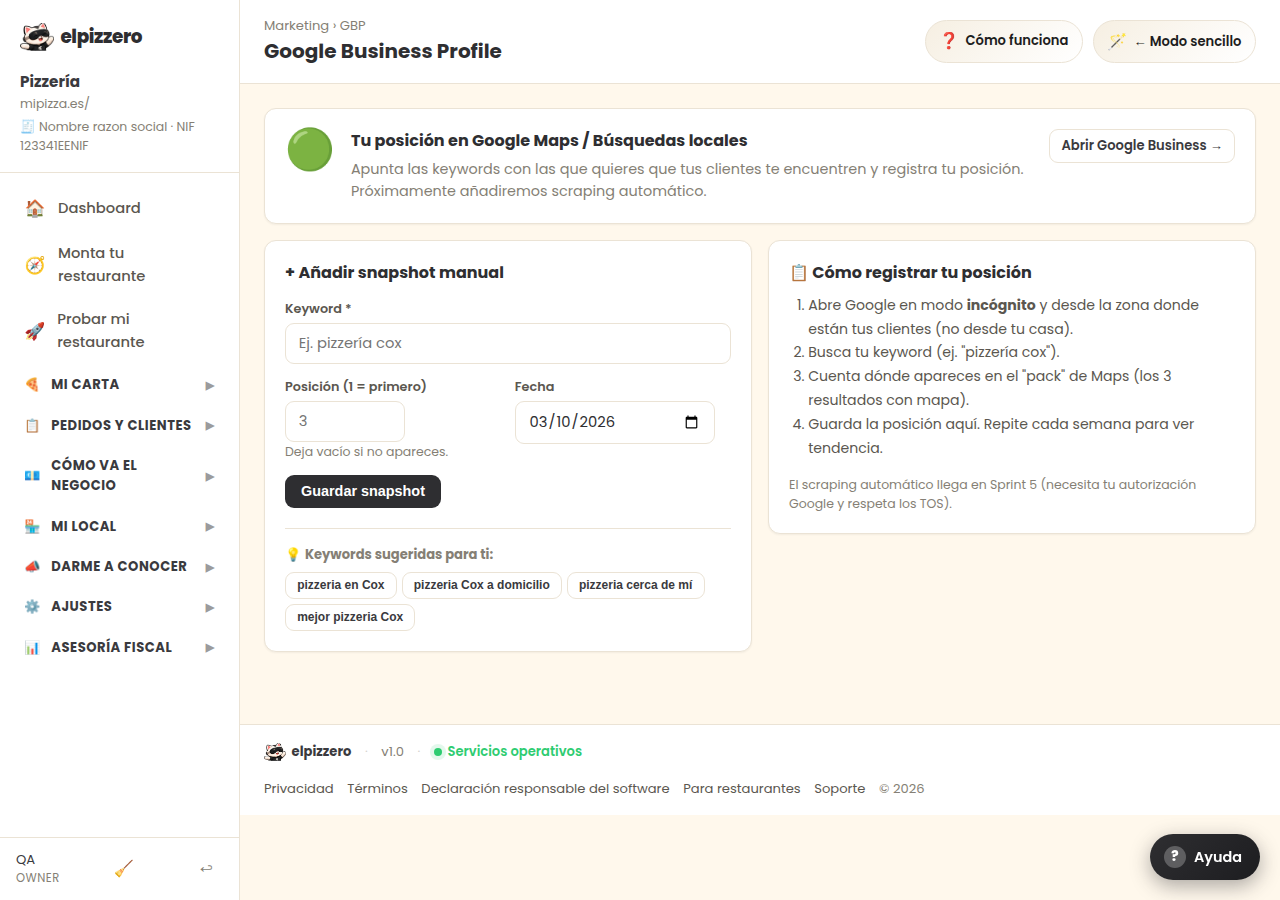
- Your position on Google Maps / Local Searches
- + Add manual snapshot
- 📋 How to register your position
What it asks you, field by field
| Field | Type | Detail |
|---|---|---|
| e.g. pizzeria cox | text | |
| 3 | number | |
| date | date |
What each button does
| Button | What it's for |
|---|---|
| Open Google Business → | |
| Save snapshot | |
| restaurant in Cox | |
| restaurant Cox delivery | |
| restaurant near me | |
| best restaurant Cox |