
VAT per quarter
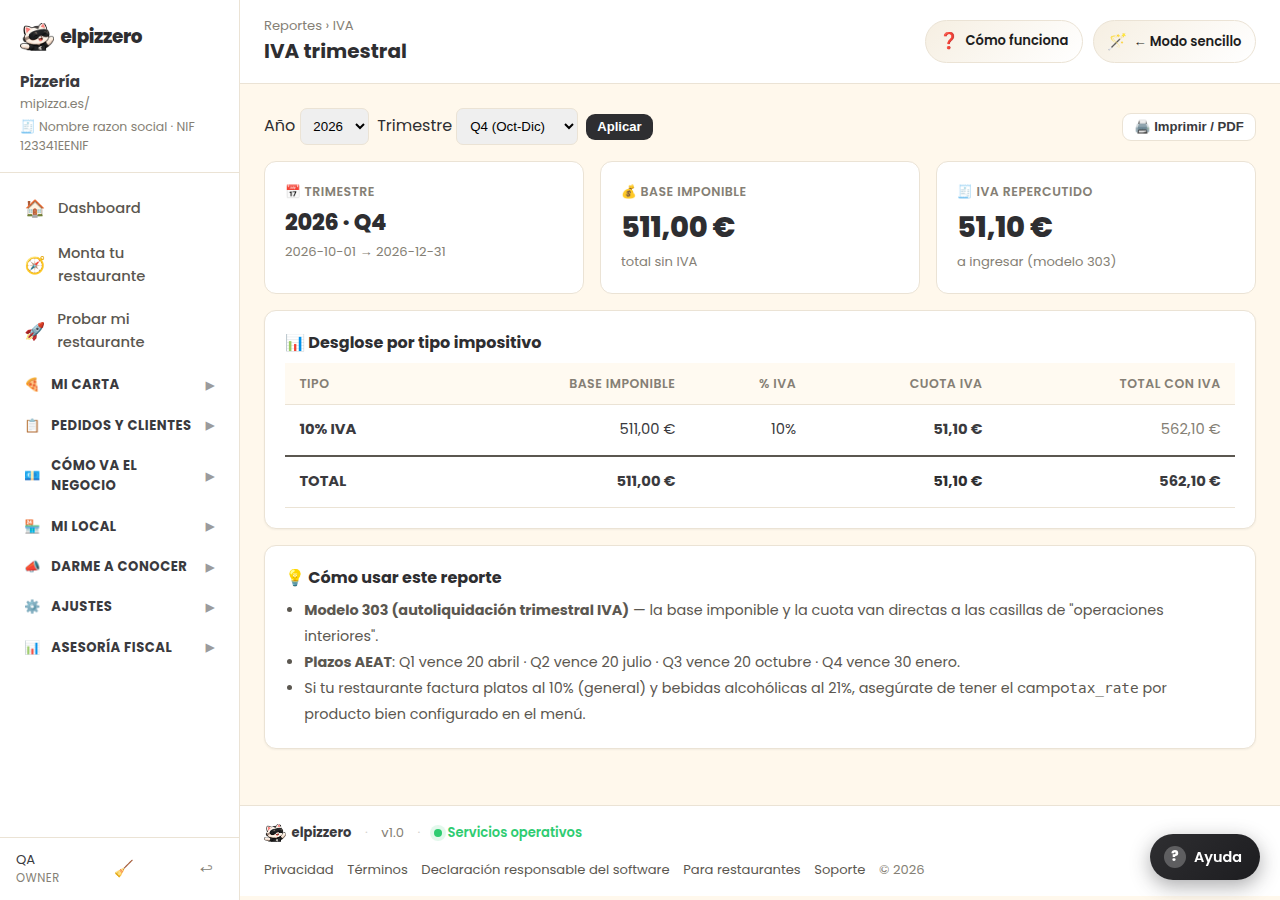
The breakdown by type of VAT for the period you choose. It's what is sent to the advisor.
What it's for
Extracts sales separated by VAT type (10% for food, 21% for alcoholic beverages…) between the dates you choose. This is the document your advisor requests each quarter.
How to use it
- Enter the dates of the quarter.
- Click «Apply».
- Click «🖨️ Print / PDF» and send it.
The numbers come from the VAT assigned to each dish. If a dish has the wrong rate, this report will be incorrect and there’s no way for the system to know. Check the rates in My venue → Taxes before the first quarter.
View all buttons and fields on this screen
What you will find on this screen
- 📊 Breakdown by tax type
- 💡 How to use this report
What it asks for, field by field
| Field | Type | Detail |
|---|---|---|
| Year 2026 2025 2024 | dropdown | Options: 2026, 2025, 2024 |
| Quarter Q1 (Jan-Mar) Q2 (Apr-Jun) Q3 (Jul-Sep) Q4 (Oct-Dec) | dropdown | Options: Q1 (Jan-Mar), Q2 (Apr-Jun), Q3 (Jul-Sep), Q4 (Oct-Dec) |
What each button does
| Button | What it’s for |
|---|---|
| Apply | |
| 🖨️ Print / PDF |