
End of day (Z report)
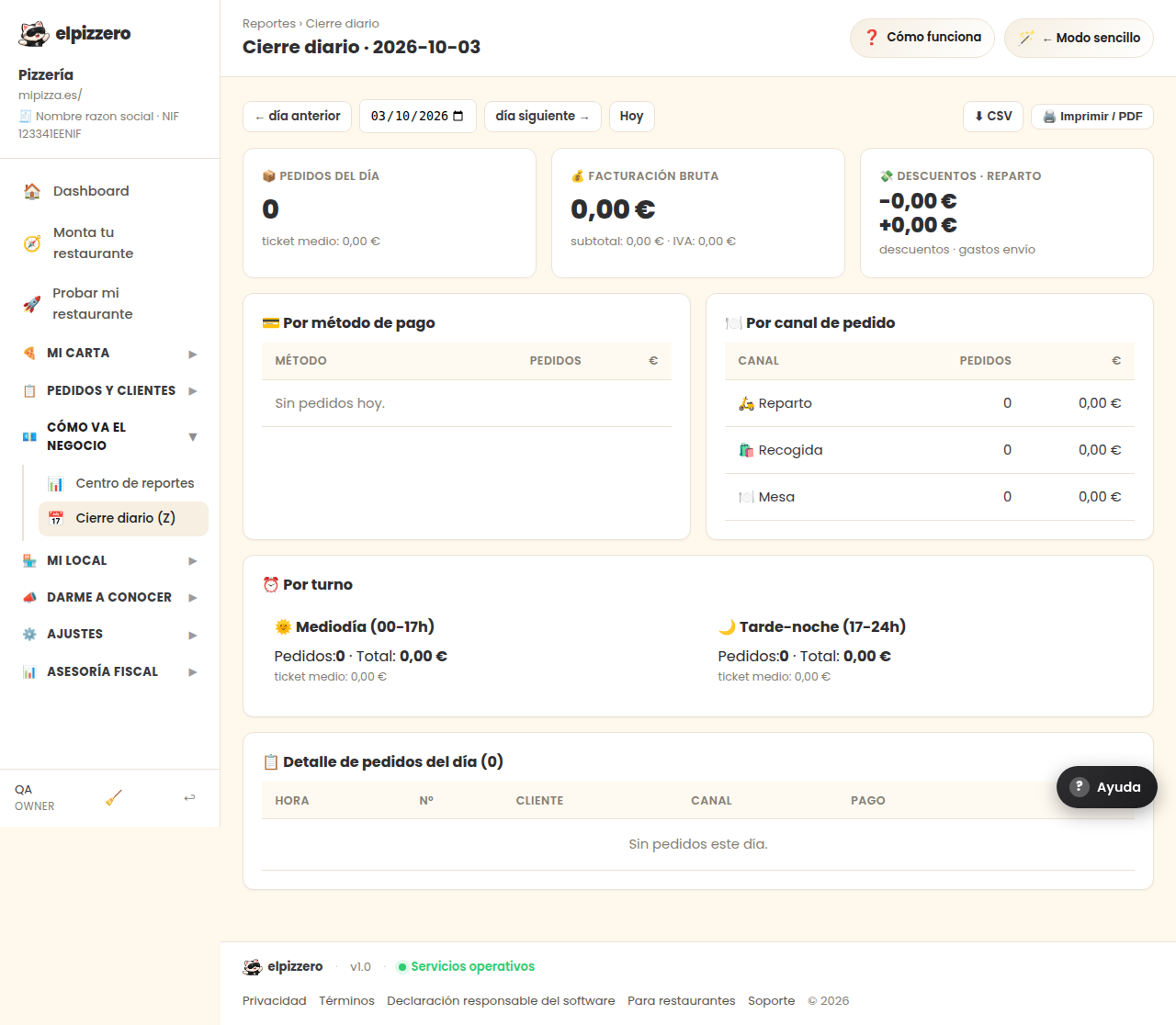
All sales today, by payment method, by channel, and by shift. This is the report to balance the cash register.
What it’s for
It’s the closing report of the entire day: how much you’ve done today and where it came from. It’s what you check at closing, with the cash in the drawer in front of you.
What it tells you
- By payment method: how much in cash, how much by card, how much online. This is what needs to match with what’s in the drawer.
- By channel: how much came from the website, the counter, or the phone.
- By shift: midday and night separately.
- Order details: the complete list, in case something doesn’t match and you need to look for the specific order.
Navigating through the days
With «← previous day» and «next day →», and «Today» to return. It works the same to review last Saturday.
Take it away
«⬇ CSV» downloads it in a file for Excel. «🖨️ Print / PDF» prepares it for printing or saving as PDF, which is usually requested by the advisor.
If the cash doesn’t match, it’s almost always due to delivered orders that no one marked as paid. They appear in the Daily Cash with a notice: check them before closing.
View all buttons and fields on this screen
What you’ll find on this screen
- 💳 By payment method
- 🍽️ By order channel
- ⏰ By shift
- 📋 Order details of the day (0)
What it asks you, field by field
| Field | Type | Detail |
|---|---|---|
| d | date |
What each button does
| Button | What it’s for |
|---|---|
| ← previous day | |
| next day → | |
| Today | |
| ⬇ CSV | |
| 🖨️ Print / PDF |