
Table reservations
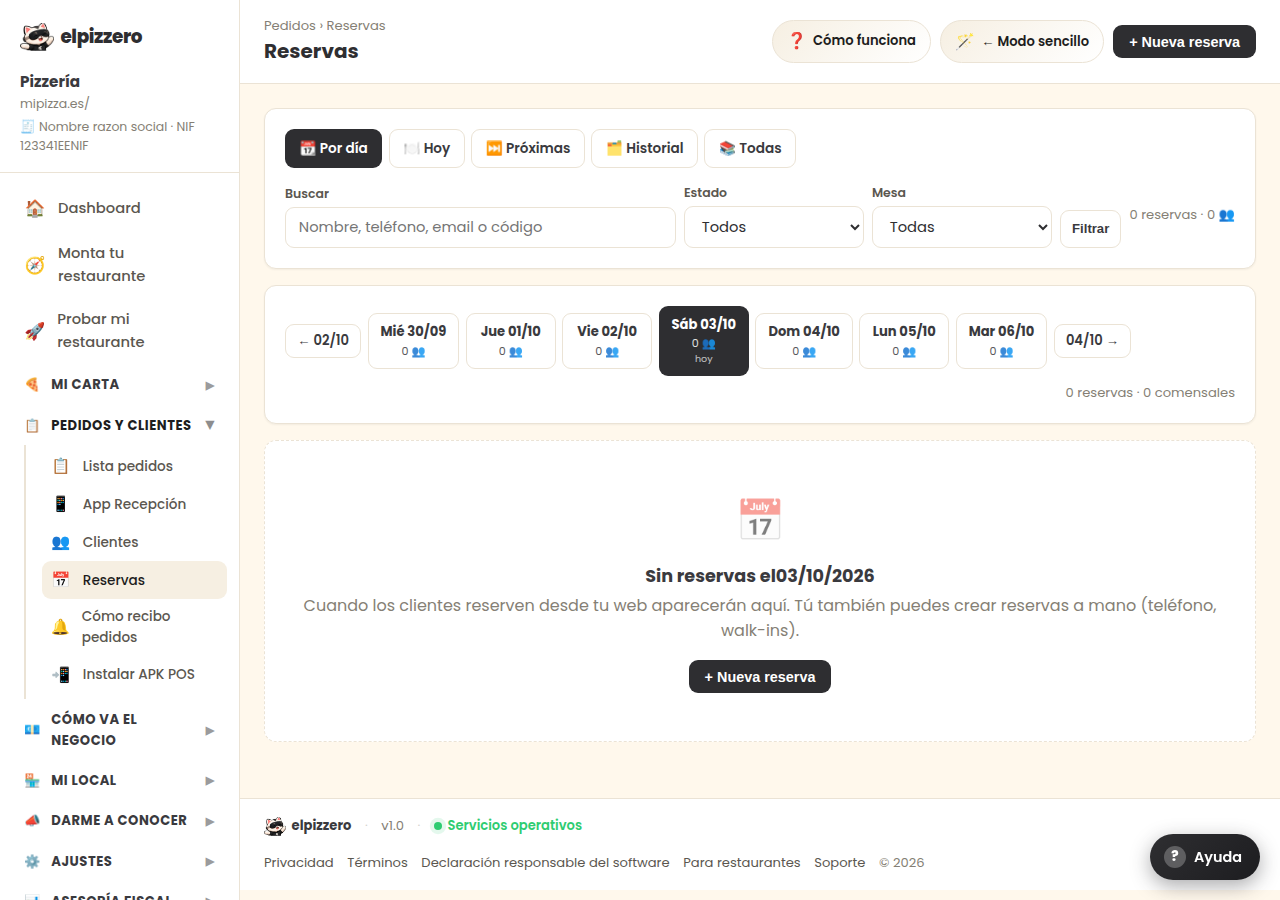
The reserved tables, day by day. You can create a reservation for those requested by phone.
What it is for
You can see the reservations for a specific day and navigate to the previous or next day using the arrows. This includes both the ones made by the customer from your website and the ones you note down.
Manually note a reservation
Press “+ New reservation”. This is what you will use when they call you on the phone: this way you have it in the same place as the others and you won't double-book tables.
For your customers to be able to book from the website, you need to turn on reservations first, in My venue → Reservations. If it is off, this screen only serves to manually note the ones you receive by phone.
View all buttons and fields on this screen
What each button does
| Button | What it is for |
|---|---|
| ← 14/08 | |
| 16/08 → | |
| + New reservation |