
Your team
Who can enter, with what permissions, and who can modify an already created order.
What it's for
Register the people who work with you and decide what each one can do. Each person logs in with their own user: this way, it's clear who did what.
The roles
- Owner: everything, including the plan and billing.
- Manager: almost all day-to-day tasks.
- Staff: taking orders and charging.
- Driver: only their deliveries.
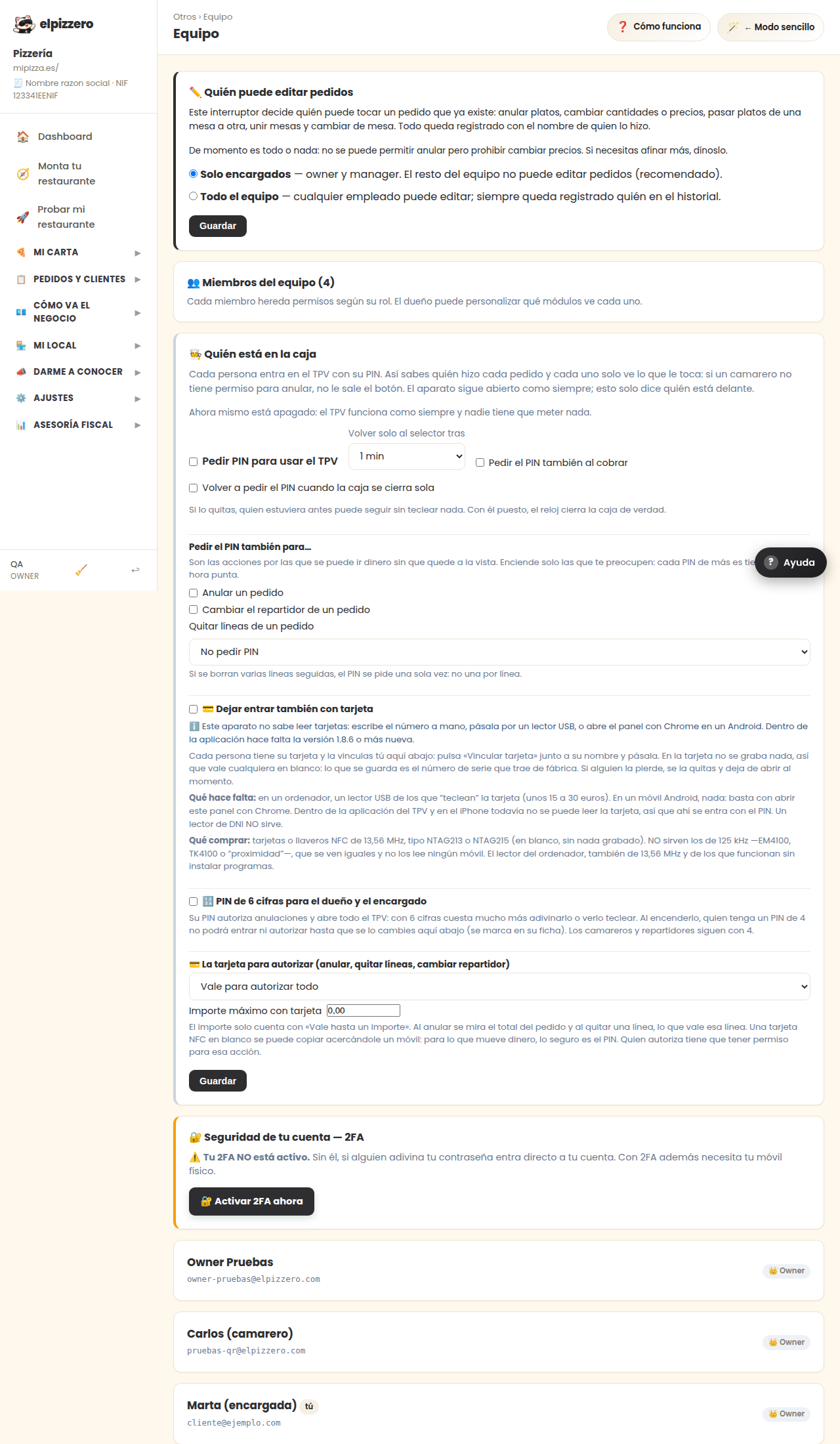
Who can edit an already created order
At the very top. Controls who can change an order after saving it: customer, type, or lines. It's a money adjustment, not a convenience one. If someone can remove lines from an already charged order, they can throw off your cash without it being noticed.
Two-step verification
It can be activated from here and requires a mobile code in addition to the password. Activate it at least on the owner's account: it's the one that can handle the money.
When someone stops working with you, delete them the same day.
They will no longer be able to log in instantly.
View all buttons and fields on this screen
What you'll find on this screen
- ✏️ Who can edit orders
- 👥 Team members (2)
- 🔐 Account security — 2FA
- ➕ Invite member
What it asks you, field by field
| Field | Type | Detail |
|---|---|---|
| Only managers — owner and manager. The rest of the team cannot edit | option | |
| The whole team — any employee can edit; always remains logged | option | |
| name | text | |
| role | dropdown | Options: 🎩 Manager — No billing or team, 🧑🍳 Staff — Only operations, 🚴 Driver — Only delivery |
What each button does
| Button | What it's for |
|---|---|
| Invite |