
Visible or hidden
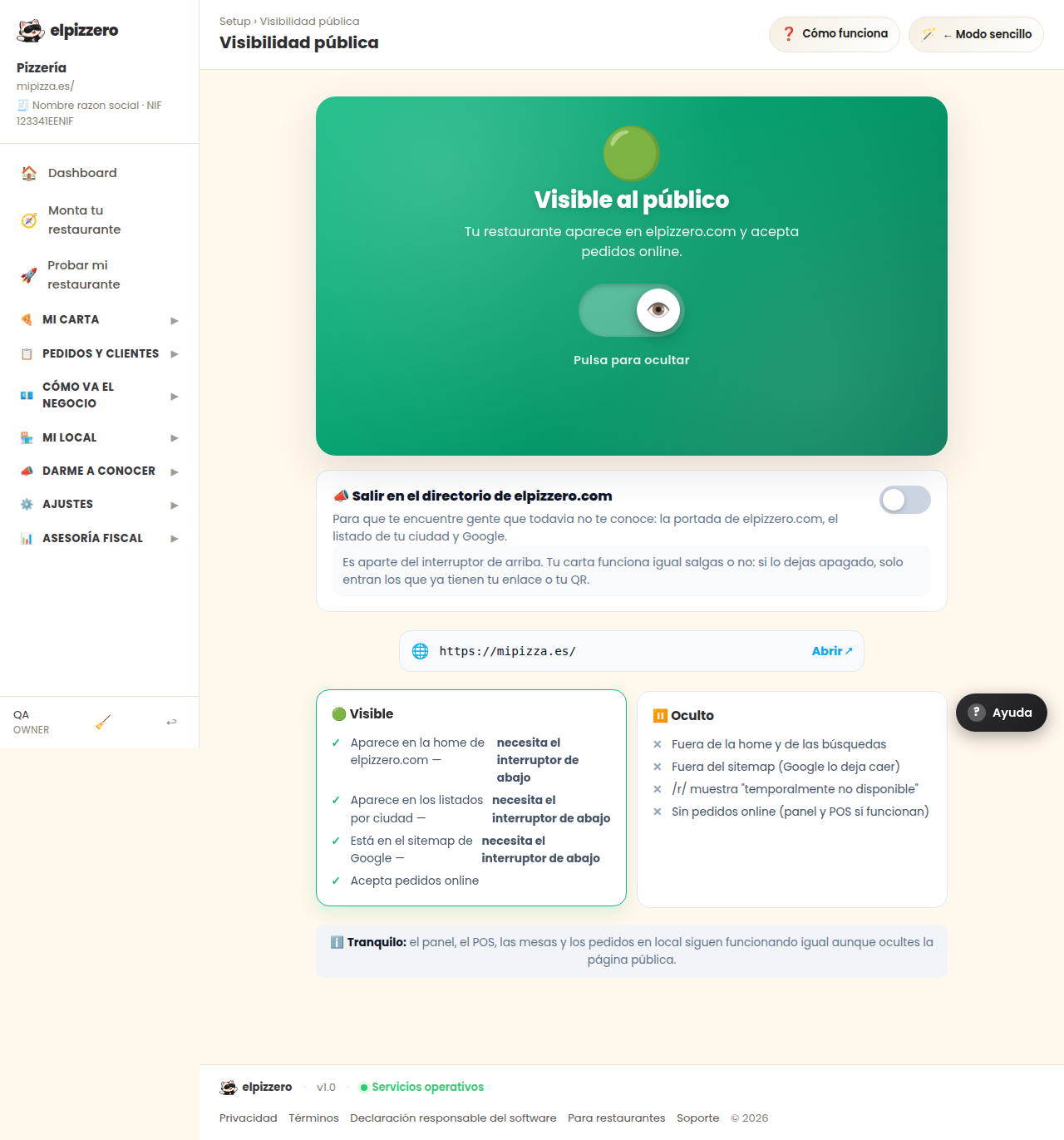
The main switch: whether your restaurant is visible to the public and accepts orders, or not.
What it’s for
It’s the large switch. With 🟢 Visible, your restaurant appears on elpizzero.com and accepts online orders. With ⏸️ Hidden, it does not.
When to use "Hidden"
- While setting up the menu and you don’t want anyone to come in yet.
- Long vacations.
To close for a while because you are overwhelmed, do not use this: use the "Accept orders at this moment" switch in Location Data, or simply adjust your schedule. Leaving the restaurant hidden and forgetting about it is the quietest way to sell nothing.
View all buttons and fields on this screen
What you will find on this screen
- Visible to the public
- 🟢 Visible
- ⏸️ Hidden
What each button does
| Button | What it’s for |
|---|---|
| Save changes |