
The applications: POS, kitchen, and reception
The three apps you can install, what each one is for, and which one you really need.
First: they are not mandatory
Your restaurant already works without installing anything, from the web panel. These apps are for working more comfortably, and each one covers a different task. Install only the ones you need.
Which one do you need
- POS — if you take orders on-site, by phone, or at the table. It's the cash register: this is where orders are created and payments are made. It's the one almost everyone uses.
- KDS — if you want the kitchen to see orders on a screen and stop wasting paper. It replaces printed tickets.
- Reception — if you manually accept orders coming from the web. It rings and lets you accept or reject. If you have automatic acceptance enabled, you don’t need it.
How to install
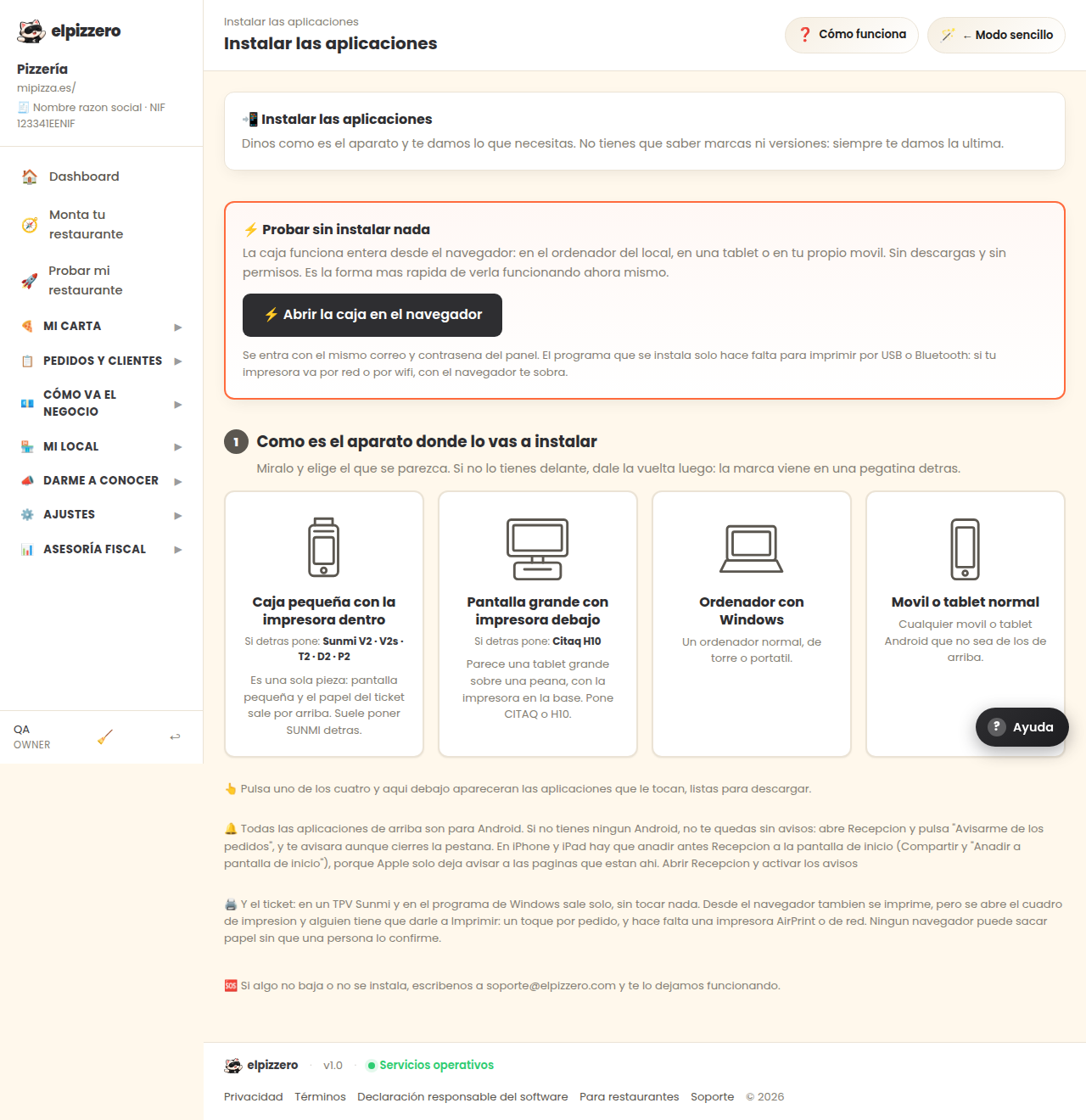
On this screen, you have, for each one, the download link and a code to install it on the tablet without typing anything. They are designed for cheap Android tablets and for Sunmi POS systems.
View all buttons and fields on this screen
What it is
☰ Example Pizzeria Mode function elpTogglePanelMode() { const btn = document.querySelector('.mode-toggle'); if (btn) { btn.disabled = true; btn.style.opacity = '.5'; } fetch("\/api\/toggle-panel-mode.php", { method: 'POST', headers: {'Content-Type': 'application/json'}, body: JSON.stringify({}) }).then(r => r.json()).then(d => { if (d.ok) location.reload(); else { if (btn) { btn.disabled = false; btn.style.opacity = '1'; } alert(d.error || "Error"); } }).catch(()=>{ if (btn) { btn.disabled = false; btn.style.opacity = '1'; } alert("Connection error"); }); } (function(){ var ham = document.getElementById('elp-ham'); var sb = document.querySelector('.sb'); var bd = document.getElementById('elp-sb-backdrop'); if (!ham || !sb || !bd) return; function open() { sb.classList.add('show'); bd.classList.add('show'); } function close() { sb.classList.remove('show'); bd.classList.remove('show'