
Tips
If the customer can leave a tip when paying online and with which buttons.
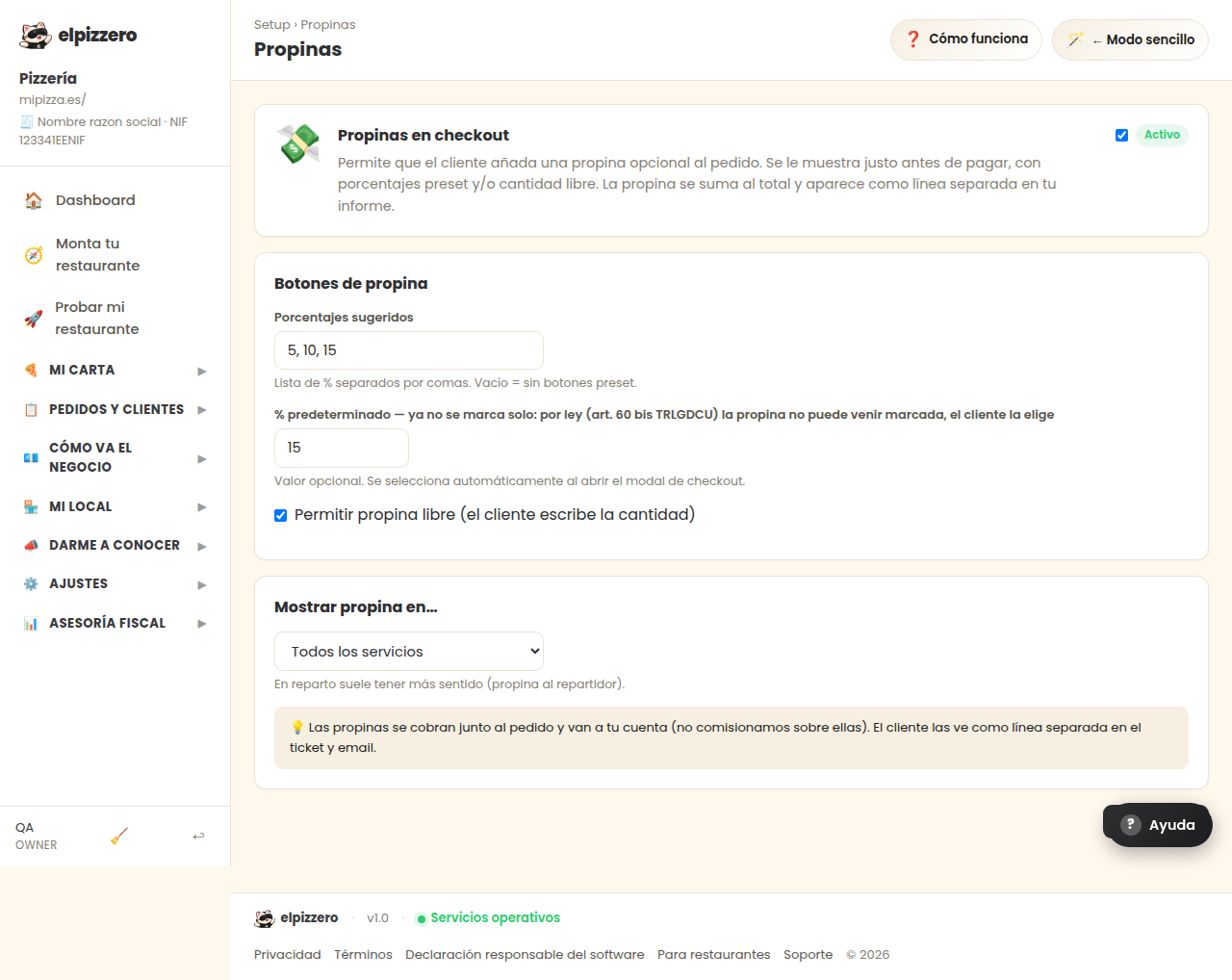
What it’s for
Allows the customer to add a tip when placing the order. It is shown just before payment and is optional for them.
How to configure it
- Active: turns the tip on or off.
- Tip buttons: the percentages you offer, separated by commas (for example
5, 10, 15). If left empty, no buttons will appear. - Custom tip: lets them write the amount they want.
- Show tip in…: choose whether to offer it on all orders or only on some (for example, only for delivery).
The tip is separate from the food price and does not include VAT: it appears on the invoice as a separate line. The system does this automatically.
View all buttons and fields on this screen
What you’ll find on this screen
- Tips at checkout
- Tip buttons
- Show tip in…
What it asks you, field by field
| Field | Type | Detail |
|---|---|---|
| Active | checkbox | |
| 5, 10, 15 | text | |
| 10 | text | |
| Allow custom tip (customer writes the amount) | checkbox | |
| show for | dropdown | Options: All services, Delivery only, Pickup only, In-store only |
What each button does
| Button | What it’s for |
|---|---|
| 💾 Save |