
Waiting screen
What your customer sees between placing the order and you accepting it.
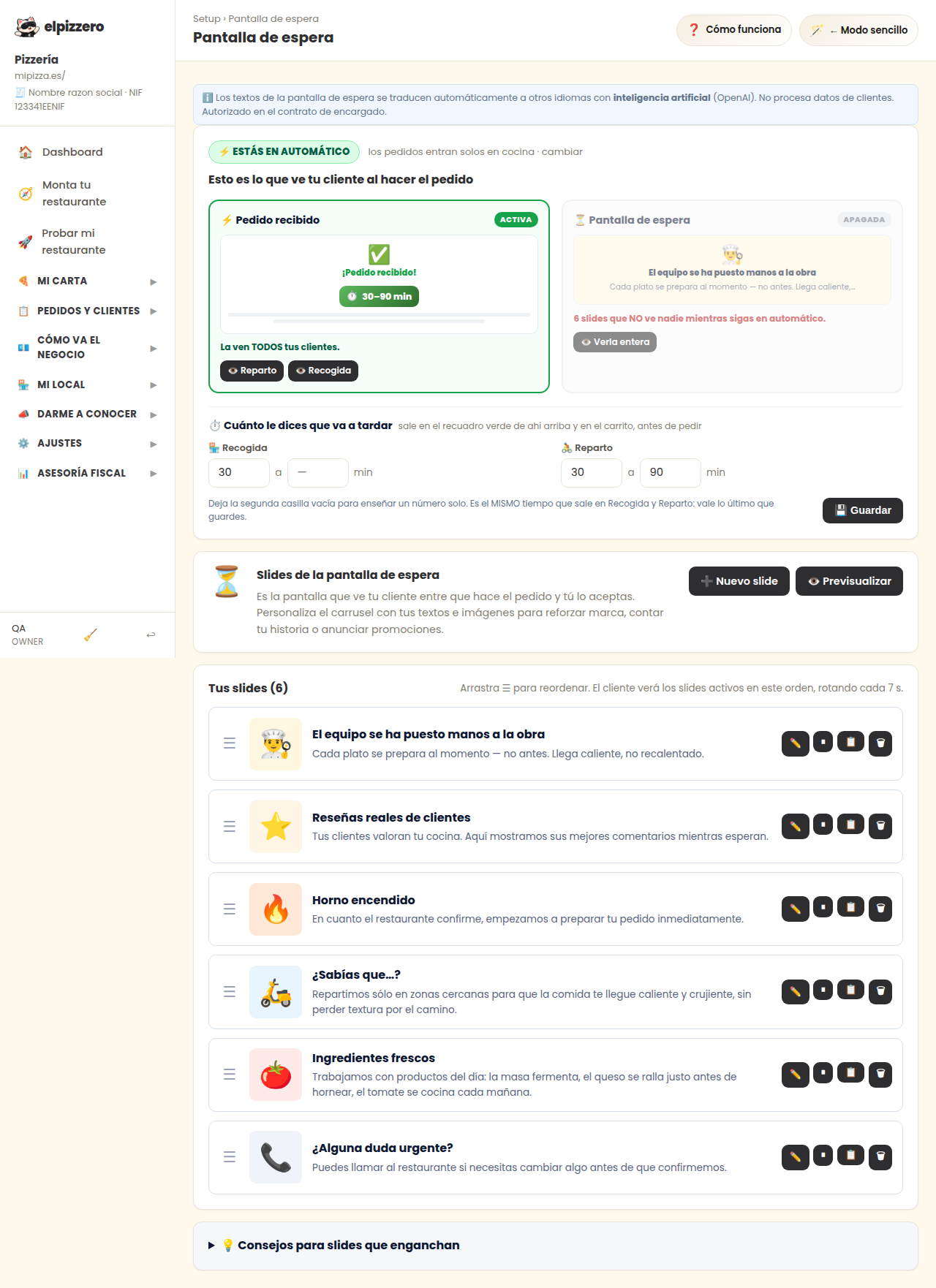
What it's for
It's the screen that appears to the customer while they wait for you to accept their order. Instead of leaving them staring at a loading bar, you show them a carousel with whatever you want: your specialties, a promotion, your social media.
Practical detail
The texts translate automatically into other languages, just like the menu. Write them in your language and forget about it.
It only appears if you accept orders manually. With automatic acceptance, the customer goes straight to confirmation and this screen won't be seen.
See all the buttons and fields on this screen
What you'll find on this screen
- Slides of the waiting screen
- Your slides (6)
What each button does
| Button | What it's for |
|---|---|
| ➕ New slide | |
| 👁️ Preview | |
| ✏️ | |
| ⏸ | Pause |
| 📋 | Duplicate |