
Printing: where to start
The summary of your printers, the ticket templates, and the print history.
What it's for
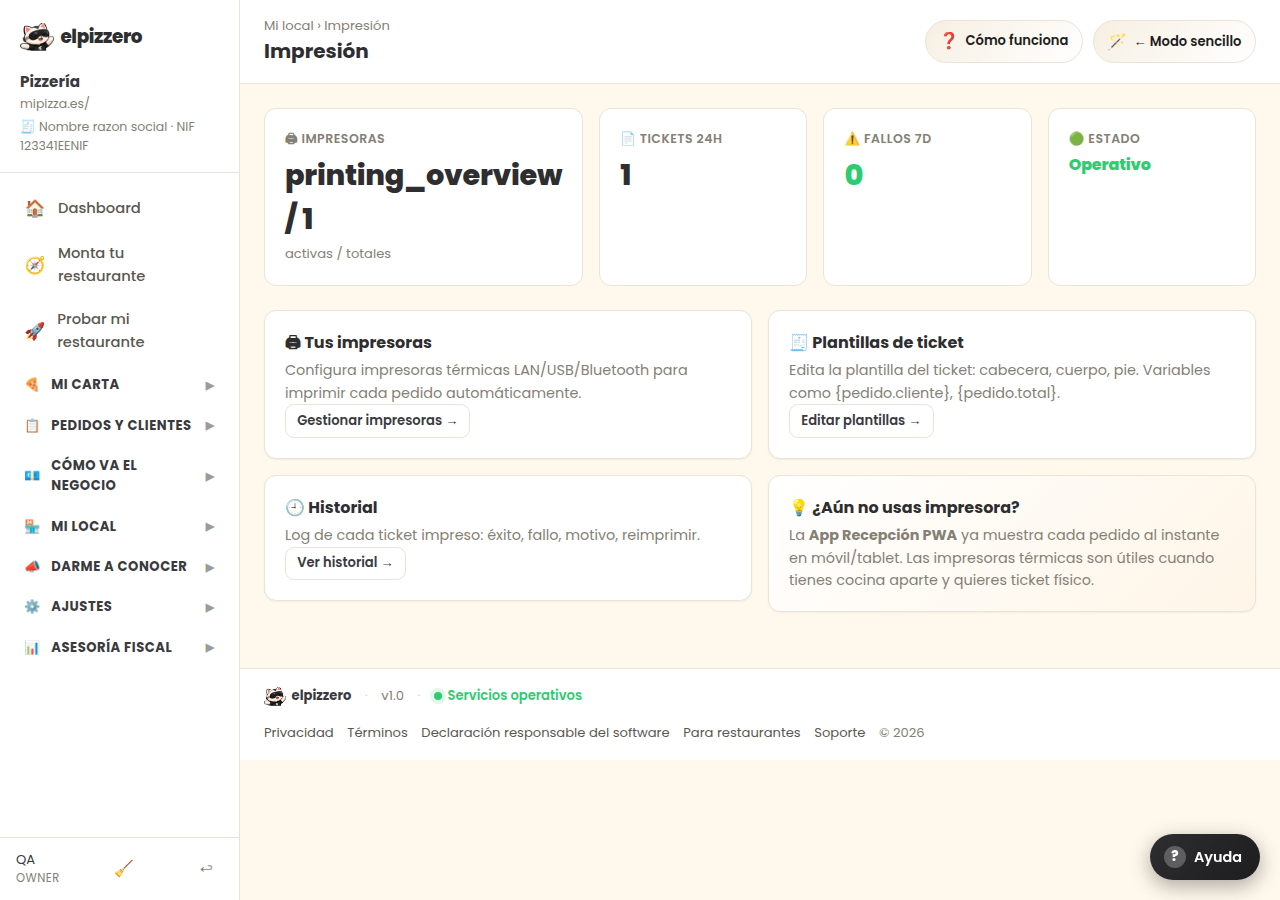
This is the cover for everything related to printing. From here you go to three places:
- Printers: connect and configure your ticket printers.
- Ticket templates: how the paper looks when it comes out (header, body, and footer).
- History: what has been printed and what failed.
Is a printer necessary?
No. You can work with the kitchen screen or the reception app and not use paper. The printer is convenient if you deliver: the ticket goes with the order and the customer keeps it.
See all buttons and fields on this screen
What you'll find on this screen
- 🖨 Your printers
- 🧾 Ticket templates
- 🕘 History
- 💡 Don't use a printer yet?
What each button does
| Button | What it's for |
|---|---|
| Manage printers → | |
| Edit templates → | |
| View history → |