
Scheduled orders
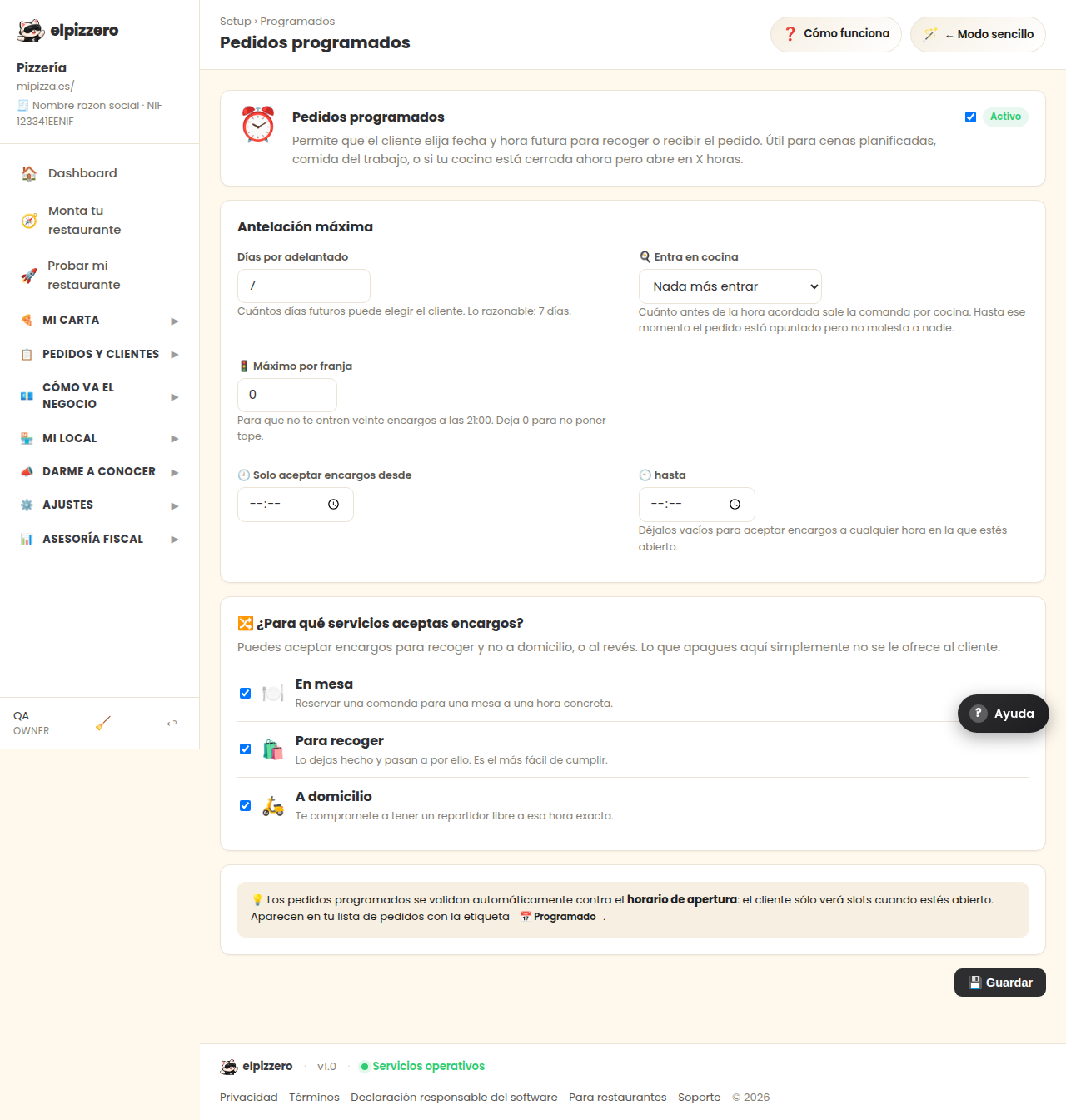
Allow the customer to order for later or for another day.
What it's for
The customer chooses the day and time to pick up or receive the order. Very useful for large dinners, corporate meals, or for those who want to place an order at noon and pick it up at nine.
Maximum notice
How many days in advance you can choose. Reasonable is 7 days: enough to organize and not so much that you forget.
Scheduled orders appear in the kitchen when it's time, not when they come in. Still, take a look in the morning: it's good to know about a large order in advance.
View all buttons and fields on this screen
What you'll find on this screen
- Scheduled orders
- Maximum notice
What it asks you, field by field
| Field | Type | Detail |
|---|---|---|
| Active | checkbox | |
| scheduled orders max days | number |
What each button does
| Button | What it's for |
|---|---|
| 💾 Save |