
Home delivery
If you deliver orders to homes, how far do you go, how long does it take, and what is the minimum order?
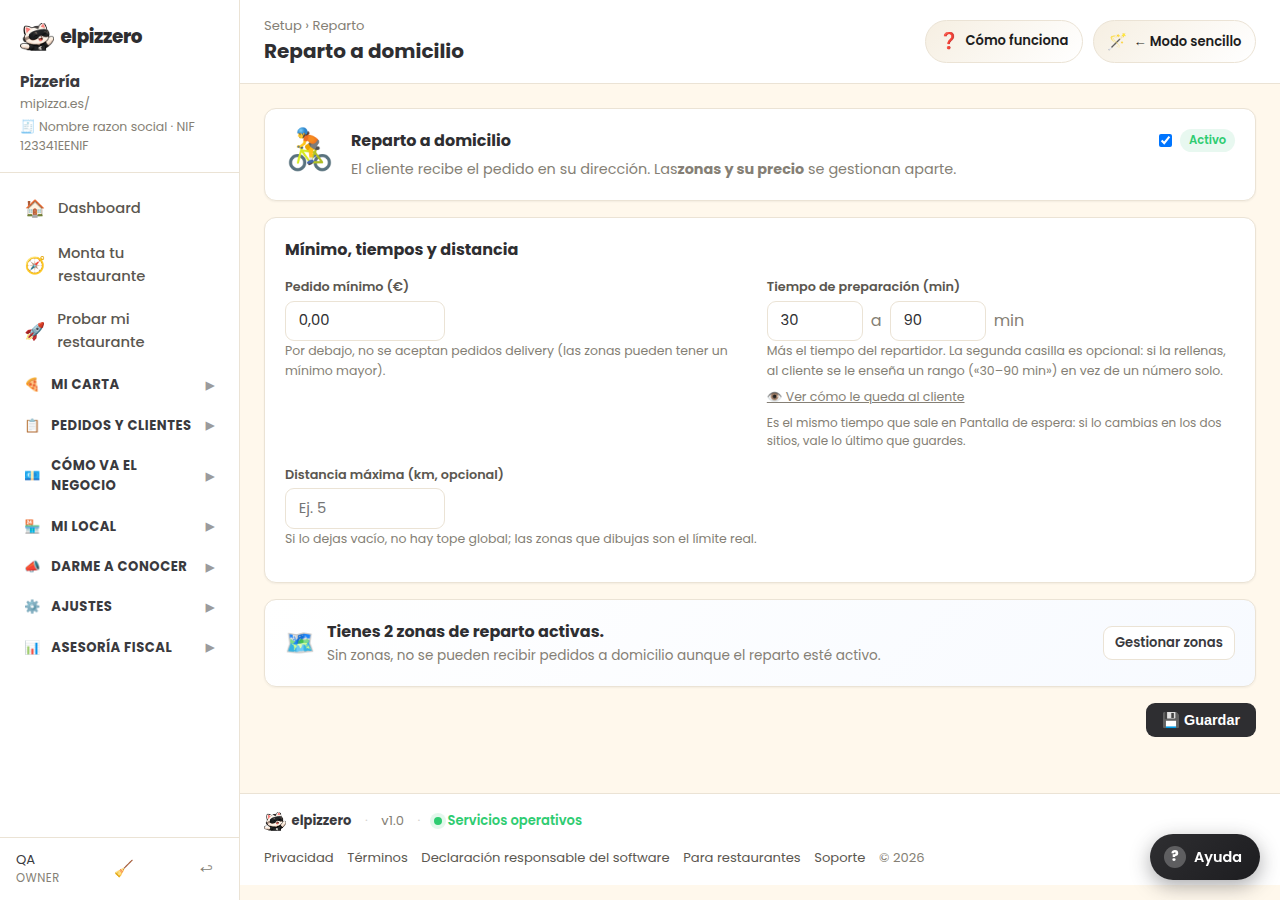
What it's for
Turns on or off home delivery and sets its conditions. If you turn it off, your customers can only order for pickup at the location.
What is decided here
- Active: whether you deliver or not. With this off, the "delivery" option disappears from your menu.
- Minimum order: below this amount, they cannot order for home delivery. It prevents you from losing money on a delivery of a soda.
- Preparation time: the minutes you usually take. This is what is promised to the customer, so be realistic: it's better to say 40 and arrive in 35 than the other way around.
- Maximum distance: how many kilometers you deliver to.
The delivery price is not set here, but in Delivery zones (there's a "Manage zones" button on this same screen). If you don't create any zone, the delivery is free: you pay for it out of your pocket without realizing it.
Typical mistake
Activating delivery and not configuring the zones. Everything seems to work —orders come in for delivery— but each one costs you the delivery fee. Review it on the first day.
View all buttons and fields on this screen
What you'll find on this screen
- Home delivery
- Minimum, times, and distance
What it asks for, field by field
| Field | Type | Detail |
|---|---|---|
| Active | checkbox | |
| 0.00 | text | |
| delivery prep minutes | number | |
| Ex. 5 | number |
What each button does
| Button | What it's for |
|---|---|
| Manage zones | |
| 💾 Save |